

Composer is a library for training neural networks better, faster, and cheaper. It contains many state-of-the-art methods for accelerating neural network training and improving generalization, along with an optional Trainer API for composing many different enhancements. This page shows you how to use W&B with Composer so you can track, visualize, and compare your training runs. W&B provides a wrapper for logging your ML experiments, but you don’t need to combine the two yourself: the Composer library incorporates W&B directly through the WandBLogger. This guide is for Composer users who want to log metrics, artifacts, and prediction samples to W&B.Documentation Index
Fetch the complete documentation index at: https://wb-21fd5541-style-guide-models-integrations-20260527-015516.mintlify.app/llms.txt
Use this file to discover all available pages before exploring further.
Start logging to W&B
To start logging your Composer training runs to W&B, pass aWandBLogger instance to the Trainer:
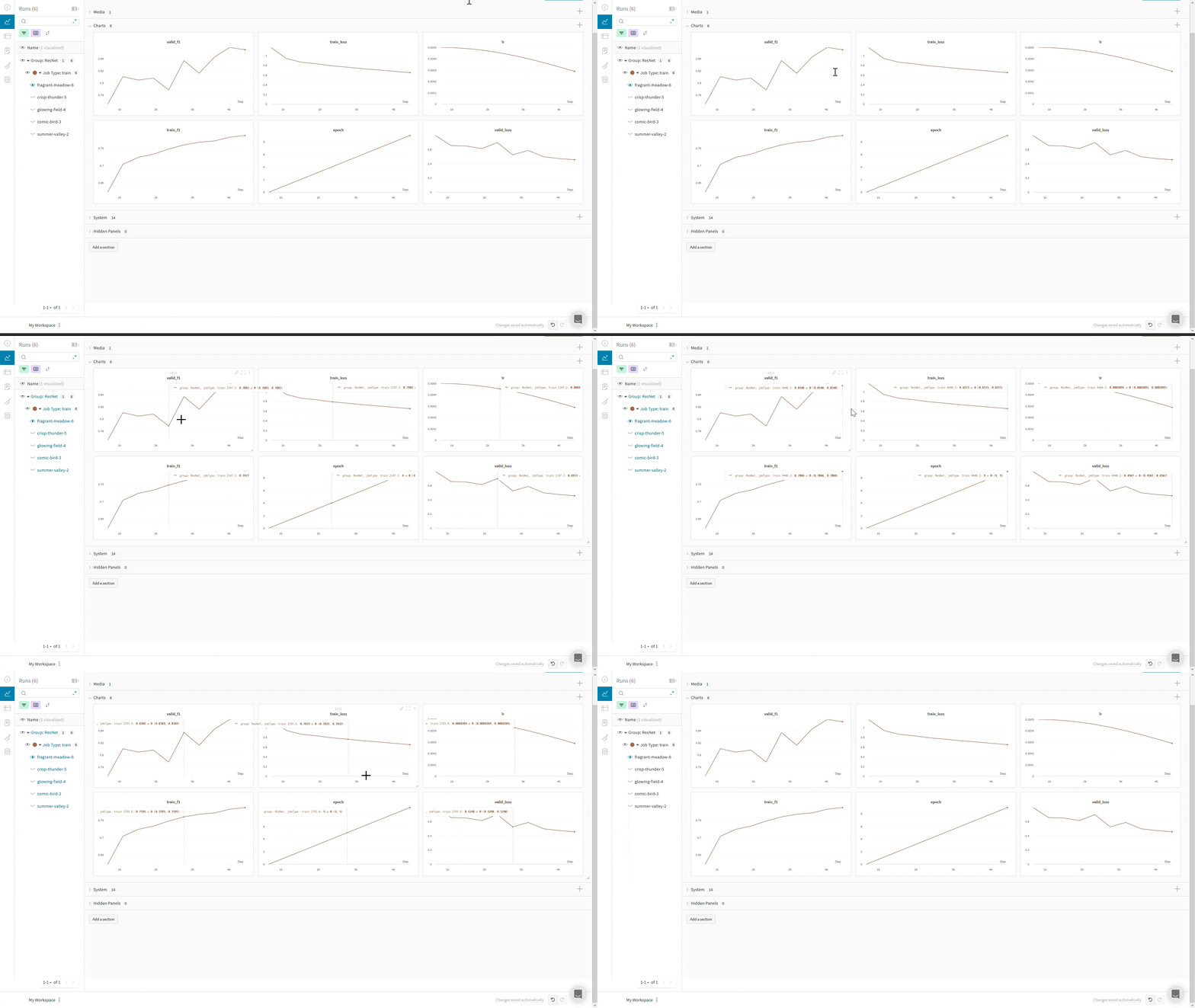
Use Composer’s WandBLogger
The following sections describe how the WandBLogger integrates with Composer’s Trainer.
The Composer library uses the WandBLogger class in the Trainer to log metrics to W&B. Instantiate the logger and pass it to the Trainer:
Logger arguments
The following table describes the most common parameters you can use to customize howWandBLogger records your runs. For a full list and description, see the Composer documentation.
| Parameter | Description |
|---|---|
project | W&B project name (str, optional) |
group | W&B group name (str, optional) |
name | W&B run name. If not specified, uses the State.run_name (str, optional) |
entity | W&B entity name, such as your username or W&B Team name (str, optional) |
tags | W&B tags (List[str], optional) |
log_artifacts | Whether to log checkpoints to W&B. Default: False (bool, optional) |
rank_zero_only | Whether to log only on the rank-zero process. When logging artifacts, log on all ranks. W&B doesn’t store artifacts from ranks 1 and higher, which can discard relevant information. For example, when using Deepspeed ZeRO, you can’t restore from checkpoints without artifacts from all ranks. Default: True (bool, optional) |
init_kwargs | Parameters to pass to wandb.init(), such as your W&B config. For the parameters that wandb.init() accepts, see wandb.init() parameters. |
init_kwargs:
Log prediction samples
In addition to scalar metrics, you can log rich media such as model predictions to W&B for qualitative review. You can use Composer’s Callbacks system to control when you log to W&B through theWandBLogger. The following example logs a sample of the validation images and predictions: