DeepChecks helps you validate your machine learning models and data with minimal effort. You can verify your data’s integrity, inspect its distributions, validate data splits, evaluate your model, and compare different models. This page shows how to use the DeepChecks integration with W&B so you can log validation results and test suites alongside your experiments. For more information, see the DeepChecks W&B integration guide.Documentation Index
Fetch the complete documentation index at: https://wb-21fd5541-style-guide-models-integrations-20260527-015516.mintlify.app/llms.txt
Use this file to discover all available pages before exploring further.
Get started
To use DeepChecks with W&B, first sign up for a W&B account. With the W&B integration in DeepChecks, you can get started by running a single check and pushing the result to W&B:Example
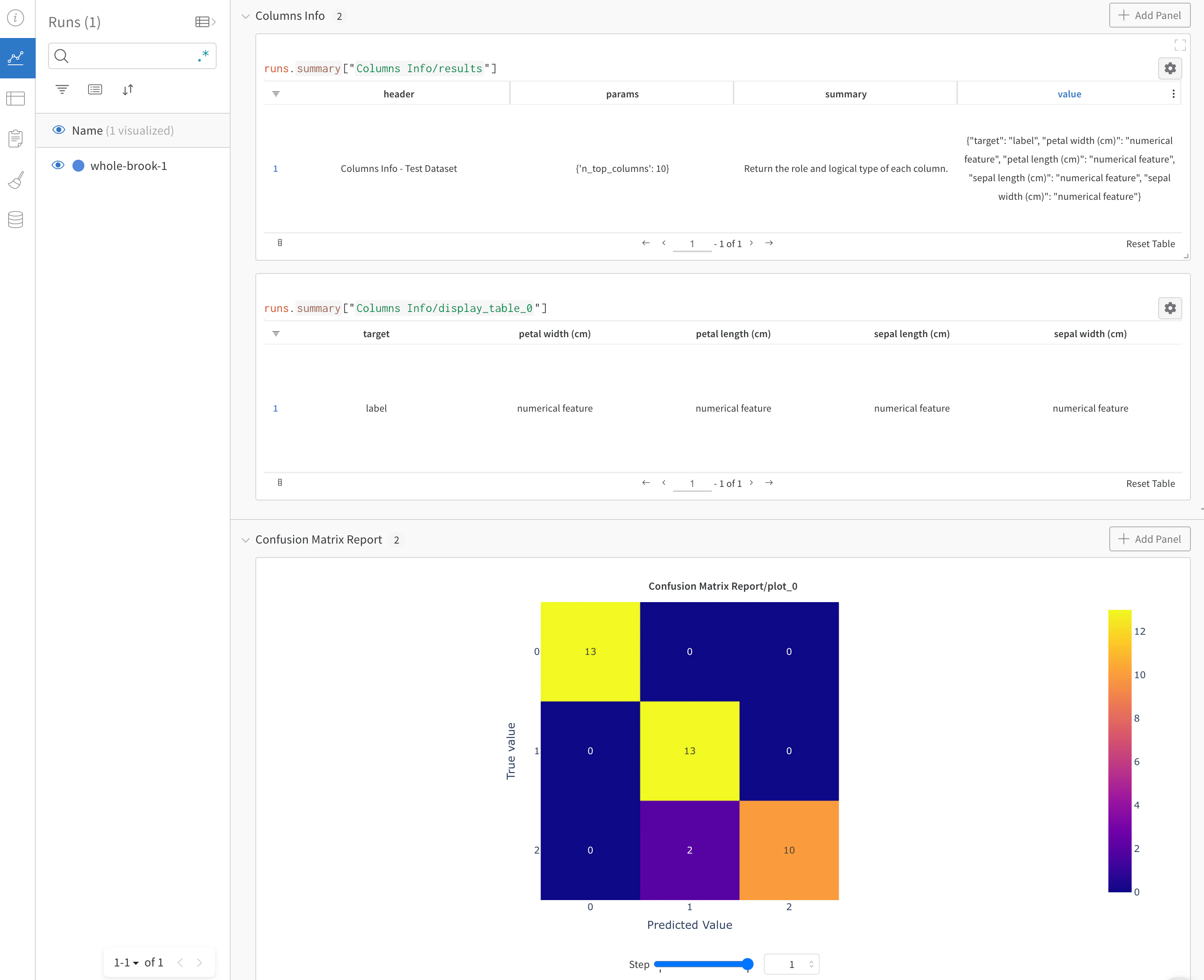
To see what the integration looks like in practice, explore the Validate your data and models with Deepchecks and W&B report, which demonstrates how to use DeepChecks and W&B together.